Laptop Ant Infestation Solution
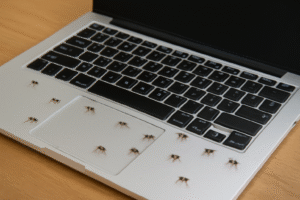
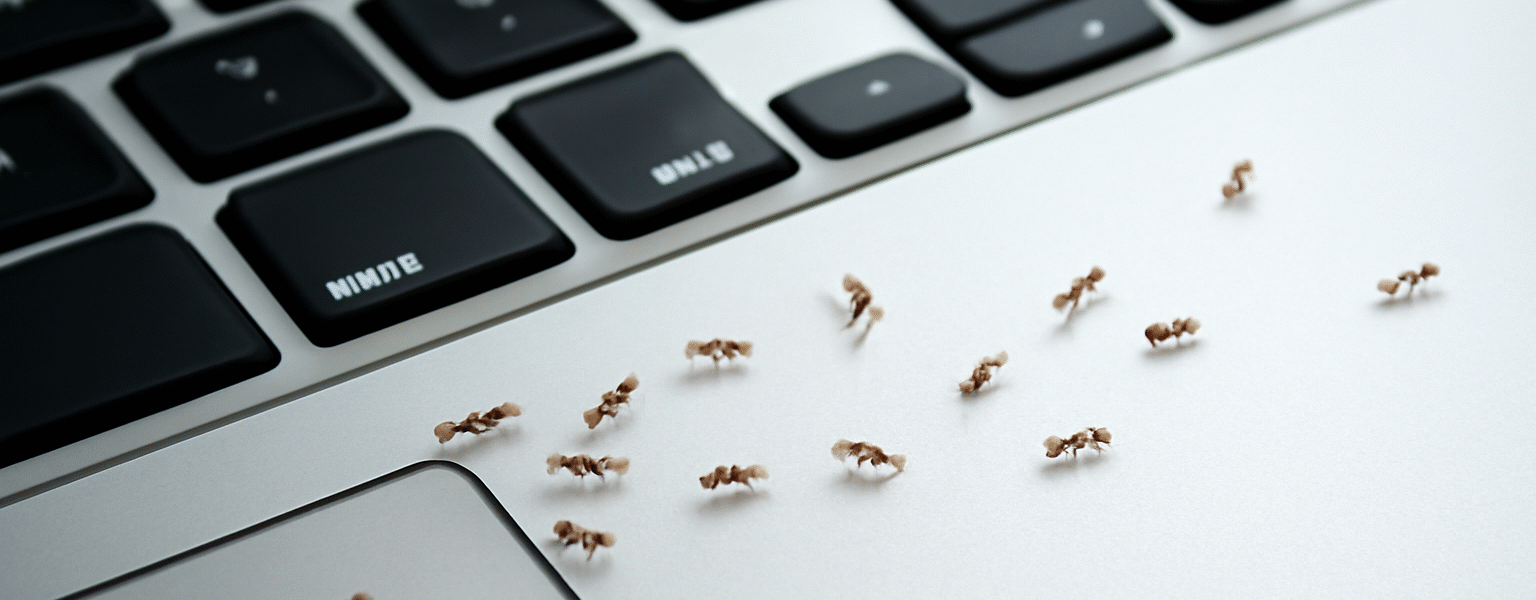
Have you ever noticed ants marching across your laptop screen or crawling around your keyboard? It’s an unsettling sight, especially when you’re trying to get some work done or relax with your favorite show. But why exactly are ants attracted to your laptop, and how can you stop them from invading your workspace?
In this article, we’ll dive into the reasons why ants seem to love your laptop, and more importantly, share some simple yet effective solutions to keep them at bay. Whether you’re dealing with a few curious ants or a full-blown infestation, this guide will help you protect your gadgets and reclaim your desk.
Why Are Ants Attracted to My Laptop?
Ants are naturally curious creatures, and your laptop might be more enticing than you think. Here are the main reasons why ants are drawn to your laptop:
1. The Scent of Food or Crumbs
Ants are highly sensitive to smells, and they’re especially attracted to food. If you’ve ever snacked near your laptop, crumbs or sugary residue might have fallen between the keys or on the surface. Ants can smell these traces and will follow the scent trail straight to your laptop.
2. Warmth from the Laptop
Laptops generate heat when they’re in use. While it’s not the primary reason ants come to your laptop, the warmth can attract them. Ants are cold-blooded, and they seek out warm environments, especially during cooler weather. Your laptop provides a cozy, warm spot for them to explore.
3. Moisture Residue
If you’ve spilled a drink or your laptop is in a humid environment, moisture can accumulate on the surface. Ants, particularly those in search of water, may find the tiny droplets on your screen or keyboard irresistible.
4. Attraction to Electronics
Interestingly, ants are also drawn to electronics, including laptops. The metals in your laptop can sometimes emit faint electrical signals or even smells that attract certain ant species. While this isn’t the main reason ants are on your laptop, it may contribute to their presence.
5. Nearby Ant Nest
If your laptop is near an ant nest or colony, it’s not uncommon for ants to wander toward the area, especially if they’re searching for food or new territory. Laptops, with their mix of warmth and potential food residue, are an attractive location for these wandering ants.
10 FAQs About Ants and Laptops
1. What attracts ants to electronics?
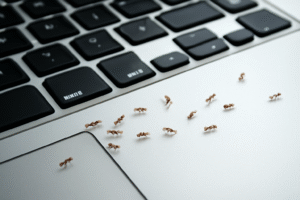
Ants are often drawn to electronics because they seek warmth, moisture, and sometimes food. The metals and electrical components can also emit faint signals that may interest some ant species.
2. Can ants damage my laptop?
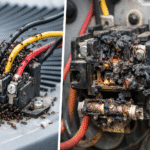
Generally, ants won’t cause damage to your laptop’s internal components. However, if left unchecked, ants may leave sticky residues, which could interfere with your laptop’s functionality. In rare cases, large colonies might disrupt the electrical systems by nesting in the device.
3. How do I keep ants from crawling on my laptop?
To prevent ants from coming near your laptop, ensure that you keep food and drinks away from your workspace, regularly clean your desk area, and seal any cracks or entry points where ants might be entering.
4. Do ants eat anything on my laptop?
While ants won’t directly eat the components of your laptop, they may be attracted to sugary residues, food crumbs, or spilled drinks around your laptop. These are what draw them in.
5. Why do I see ants on my laptop at night?
At night, ants may become more active as they explore for food or water sources. If your laptop is in an area with a nearby colony, they might be attracted to the warmth or the food traces left on it.
6. How can I clean my laptop to remove ant traces?
Wipe down your laptop gently with a microfiber cloth. You can use a mild soap solution or a small amount of rubbing alcohol on a cotton swab to clean between the keys and other crevices where ants may be hiding.
7. How do I find an ant nest near my laptop?
Look for trails of ants leading to and from your laptop. Follow the line of ants, and you should be able to pinpoint the general area where the nest is located. Once you locate it, you can take steps to eliminate the source.
8. Can ant repellents harm my laptop?
Some commercial ant repellents, especially sprays, may damage your laptop’s delicate surface or internal components. It’s best to use natural deterrents like essential oils or place ant traps away from your laptop.
9. Are there any natural remedies to deter ants from my laptop?
Yes! Natural remedies such as essential oils (peppermint, lemon, and tea tree oils) can deter ants. Simply mix a few drops of essential oil with water and spray it around your laptop area. You can also use vinegar or cinnamon as natural deterrents.
10. Should I be worried if I have ants on my laptop?
A few ants here and there aren’t usually a cause for concern, but if you notice a large number of ants or if they’re interfering with your laptop’s performance, it’s important to take action to remove them and address the root cause of the attraction.
How to Prevent Ants from Getting on Your Laptop
Now that you know why ants are attracted to your laptop, let’s take a look at practical steps you can take to keep them away.
1. Clean Your Workspace Regularly
One of the easiest ways to prevent ants from invading your laptop is to keep your workspace clean. Wipe down your desk daily, vacuum any crumbs, and clean the keyboard of your laptop regularly. If you eat or drink near your laptop, always make sure there are no crumbs or sticky residues left behind.
2. Store Food and Drinks Away from Your Laptop
As tempting as it might be to snack while you work, it’s best to keep food and drinks away from your laptop. Even the smallest crumbs or drops of liquid can attract ants. Store snacks in sealed containers and clean up spills immediately.
3. Use Ant Traps Near Your Laptop
Ant traps are a great way to eliminate ants around your laptop without using harsh chemicals. Simply place them near your workspace, and the ants will be attracted to the bait. This will help reduce the population and prevent further invasions.
4. Seal Cracks and Entry Points
If you’re dealing with a persistent ant problem, check for cracks and crevices around your desk or near your laptop. Seal any gaps in walls or floors that could be allowing ants to enter. You can use caulking or weather-stripping to close up entry points.
5. Apply Natural Repellents
Essential oils are a fantastic natural deterrent for ants. Ants dislike scents like peppermint, cinnamon, and vinegar. Mix a few drops of essential oil with water in a spray bottle and lightly spray the area around your laptop. This can help keep ants at bay without harming your electronics.
6. Ensure Proper Ventilation Around Your Laptop
If your laptop tends to get very hot, consider using a cooling pad or ensuring there is proper airflow around your device. While heat can attract ants, a cool laptop will be less likely to lure them in.
7. Call Pest Control if Necessary
If you find that ants are still attracted to your laptop despite your efforts, it might be time to call a professional pest control service. They can help identify the source of the infestation and safely eliminate it.
10 FAQs About Why Are Ants Attracted To My Laptop
Conclusion: Keep Ants Away from Your Laptop
Ants can be a pesky problem, but understanding why they’re attracted to your laptop and taking simple preventive steps can help keep your workspace ant-free. By keeping your area clean, avoiding food and drink spills, and using natural repellents, you can enjoy a more productive and ant-free environment. If the issue persists, don’t hesitate to seek professional help.
Whether you’re working from home, gaming, or just browsing, it’s important to take action to keep your laptop safe from ants. With these tips, you can say goodbye to those unwanted visitors and enjoy your device without distraction.